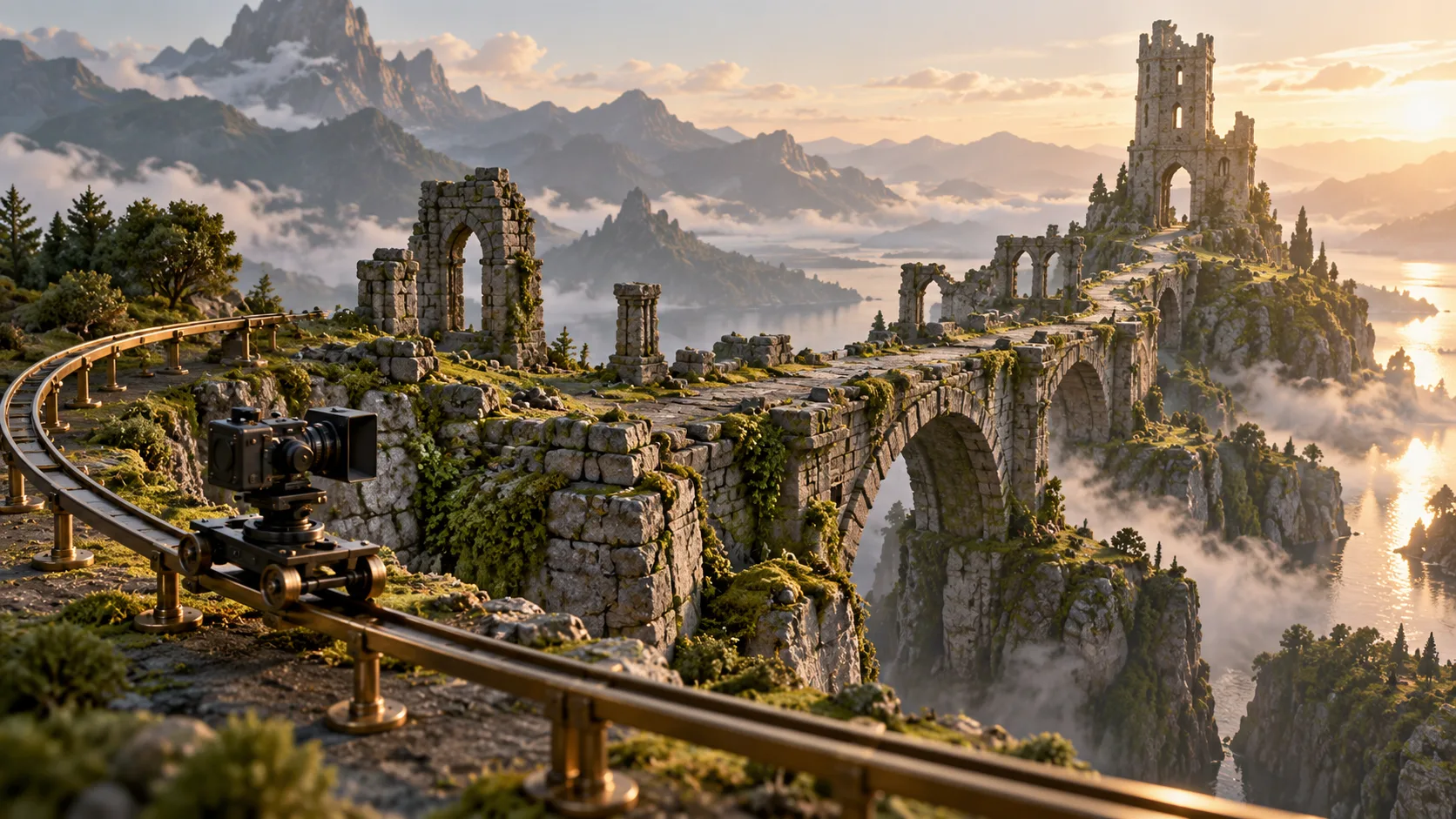
A camera sweeps under a ruined bridge, rises above a tower and follows a figure across the roof. The sequence could introduce a compelling game world. It could also suggest that players can fly, climb or cross spaces that the game does not actually let them enter. A concept trailer creates expectations through movement, even when nobody has written a feature list beside it.
When planning with an AI video generator, write down who controls each movement before requesting the scene. The camera may travel somewhere a player cannot. That can be appropriate for a cinematic introduction, provided the result is presented as a concept and does not quietly become evidence of playable action.
Prepare the Camera Route Before Describing the Spectacle
Begin with a short shot brief that distinguishes the camera from the subject. In the bridge example, the camera passes underneath the structure while a small figure remains on the upper path. That is different from a first-person view in which the audience appears to be moving through the space. The distinction should survive the final edit, not exist only in the prompt.
Describe the starting position, the point of interest and the place where the shot ends. A useful brief might ask for a slow approach toward the damaged arch, followed by a view of the tower beyond it. Avoid adding a leap, a chase and a transformation simply to make the scene more exciting. Each additional action creates another question about what the game will allow.
MakeShot offers an image-to-video route that can begin from a reference picture and a motion description. A concept artist can use that route to explore a camera idea around an approved view. The reference does not guarantee exact preservation of the architecture, so compare the result with the source before treating it as a representation of the intended location.
Keep the brief alongside the output in an ordinary production document. It should say whether the scene is an atmosphere study, a cinematic proposal or a candidate for a public concept trailer. Those labels guide different reviews. An internal exploration may tolerate an invented passage that a public scene would need to remove or clearly frame as speculative.
Give the Landscape a Readable Spatial Purpose
The bridge should do something for the shot beyond filling the frame. Perhaps it directs attention toward a distant entrance, or establishes a separation between two areas. Decide which relationship the viewer needs to understand. A camera move that reveals every attractive surface may leave the geography less clear than a restrained view of one connection.
Inspect the generated terrain for changes that affect that relationship. A path might connect to a new platform, a broken span might become continuous, or a doorway might appear in a previously solid wall. These are not merely cosmetic differences when the trailer is introducing a game location. They can imply routes and opportunities the underlying design does not contain.
Use MakeShot candidates as proposals to discuss with the people responsible for the world. Ask them which parts express the intended setting and which parts suggest a different layout. If the shot requires a new route to make sense, decide whether that is a design proposal worth considering or an unwanted invention to reject. Do not let the rendered scene make that decision by default.
A still reference can remain the better choice when movement keeps altering the important geometry. The purpose of the exercise is to communicate the location, not to preserve a generated clip at any cost. A deliberate cut between two approved views may explain the setting more accurately than an invented continuous flight through it.
Mark the Boundary Between Watching and Playing
A camera following a character tends to invite a different reading from a detached view of the landscape. If the figure turns, jumps or reacts to an obstacle, viewers may interpret the sequence as an example of play. Consider that inference before placing it beside real gameplay footage. A familiar camera angle can carry the implication even without a controller overlay.
For a video generator AI concept, describe the status of the scene in the public presentation. A visible concept label and an accurate introduction are more useful than a private note that the footage is unofficial. The framing should reach people who see only the short clip, including versions detached from the longer presentation.
Review the scene with one concrete question: what might someone expect to be able to do after watching this? A reviewer might answer that they expect to cross the bridge, enter the tower or control the aerial movement. Compare those expectations with the intended game design. This is a proposed review method, not evidence that a particular audience will respond in a predictable way.
If an inference is wrong, change the scene or its context. Removing an apparent player action may work better than adding a paragraph of explanation. A wider, clearly cinematic view might preserve the atmosphere while reducing the impression of direct control. In other cases the honest choice is to reserve the movement for internal exploration.
For the bridge shot, make two short annotations on a still: where the camera travels and where the character is allowed to move. If those paths are easily confused, reconsider the viewpoint before spending another round on visual detail.
Do not imitate a gameplay interface to make a concept look more finished. Health bars, aiming markers and button prompts suggest a functioning interaction even when they are only decorative. If the task is to discuss an interface concept, identify it as such and review it separately from a claim about implemented gameplay.
Hand the Shot Plan to Actual Gameplay Capture
Once the camera idea is useful, translate the approved intention into a capture request. Name the real location, the action available to the player and the viewpoint the team wants to show. The generated sequence can explain the desired mood or reveal, but the capture should establish what the playable build actually supports.
Keep differences visible during the handoff. If the real camera cannot pass beneath the bridge, that constraint matters. The capture team might find a supported route that achieves the same reveal, or the editor might choose a separate cinematic shot. Treat that as a decision about the actual game rather than asking the footage to conceal the mismatch.
Watch the transition from concept material to captured play. A smooth cut can make the two appear to belong to one continuous action. If that would misrepresent the source or available interaction, separate the segments and label them clearly. Review any shorter social version again because the explanatory introduction may have been removed.
MakeShot can help a team articulate a cinematic intention before arranging capture. Its useful output here is a clearer shot request: where the viewer looks, what the setting communicates and which action still needs real evidence. Approve that request only after the people responsible for the game can distinguish the camera’s freedom from the player’s actual choices.